


The way we learn online is getting a major upgrade. Platforms like wikiHow are rolling out new features that move beyond simple step-by-step lists, focusing instead on authority and interactivity.
Here’s what’s changing in your favorite guides:
1. Verified Expert Co-Authorship
No more guessing if a tip actually works. Articles now feature Expert Co-Authors—professionals like baker Craig Watson—who verify the science behind the steps. Whether you’re learning how to add gluten to flour or making bagels from scratch, you’ll see a "Reviewed by" or "Co-authored by" badge from a literal pro in the field.
2. High-Value "Expert Tips"
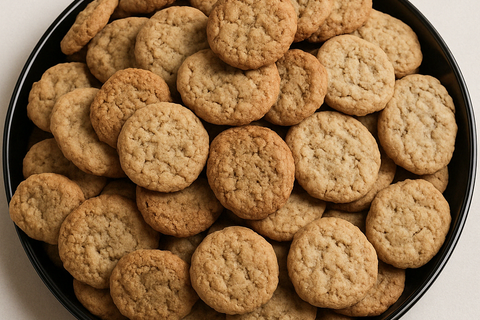
Instead of digging through paragraphs, look for the new Expert Advice boxes. These highlight the "make-or-break" secrets right at the top. For example, in the guide on how to soften hard cookies, the expert immediately points out the "white bread trick" as the gold standard for moisture recovery.
3. Interactive Tools & Summaries
To make life easier in the kitchen (or the workshop), articles now include:
-
Quick Summaries: A "TL;DR" version of the article for a 30-second overview.
-
PDF Downloads: A one-click button to take instructions offline and keep your phone screen clean.
-
Community Success Stories: Real-time feedback where readers vote on which methods worked best for them.
Why It Matters
These features bridge the gap between "internet advice" and "professional coaching." By combining community knowledge with expert oversight, the new article format ensures you get it right the first time.


